


How to Deposit Money on BC Game in Nigeria
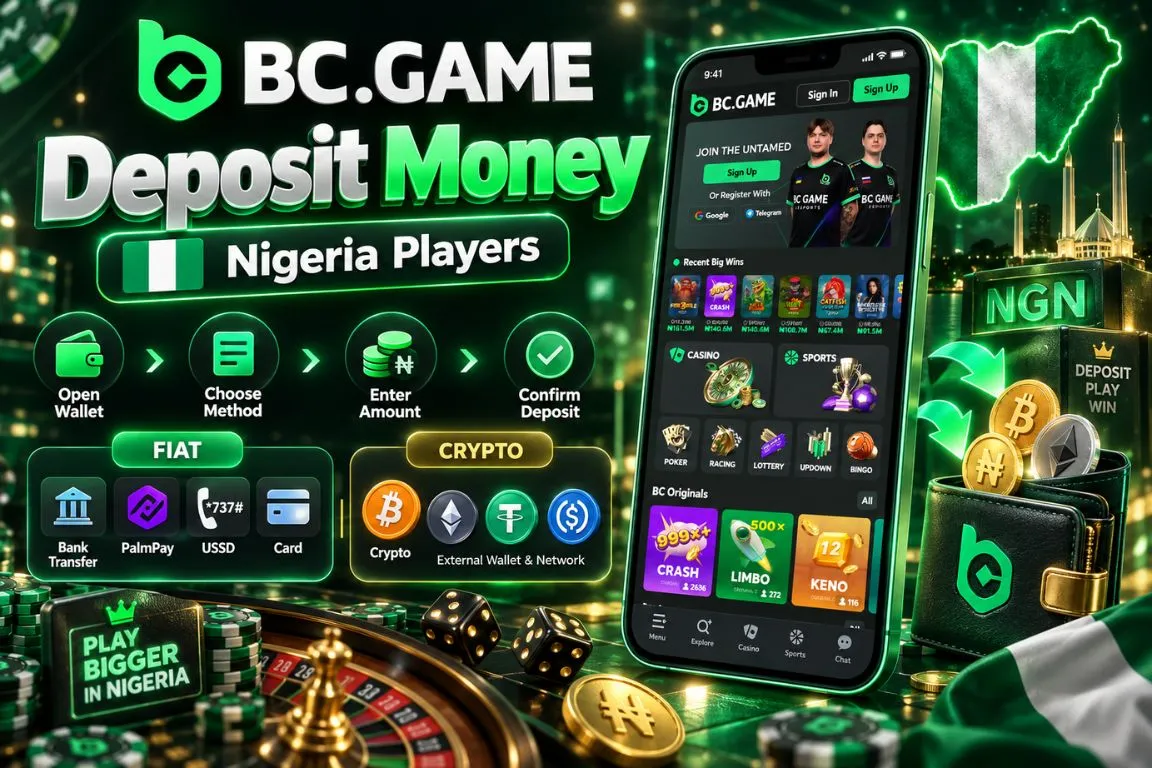
Deposits are managed from the Wallet. After signing in, open Deposit, choose between Fiat and Crypto, select the required method, enter an amount, and complete the payment instructions shown for that route.
For NGN deposits, the available range depends on the selected local method. Bank Transfer, PalmPay, and Credit Card can have different maximum transaction amounts even though their minimum may be the same.
The procedure for how to deposit in BC Game is therefore best approached method by method rather than assuming that every payment option works under identical conditions.
Cryptocurrency deposits follow another route. The user chooses an asset and network, receives a deposit address, and sends the funds from an external wallet.
Step-by-Step Deposit Guide
The basic process for how to deposit on BC Game is straightforward:
- Sign in to the account and open Wallet.
- Select Deposit from the Wallet menu.
- Choose Fiat for NGN or Crypto for digital assets.
- Select the required payment method, currency, or blockchain network.
- Enter the deposit amount and follow the displayed payment instructions.
- Confirm the transaction and wait for the balance to update.
For local payments, enter the exact amount requested during the transaction. If the selected method opens an external confirmation stage, complete it without changing the amount midway.
For crypto, always compare the asset, network, and deposit address before sending funds.
How to Check Your Deposit Status
A completed deposit should first be reflected in the account balance. If the balance does not update immediately, open the Transaction section inside Wallet and review the payment history. The transaction record can help distinguish between a deposit that is still processing and one that has already been credited.
For fiat transactions, check:
- Amount should match the submitted payment.
- Method should match the selected deposit route.
- Status should be reviewed before another payment is created.
- Balance should be refreshed after successful processing.
- Transaction history should be checked if crediting is delayed.
- Duplicate payments should be avoided while the first one is pending.
Crypto deposits can require additional blockchain confirmation before they appear in the usable balance.
BC Game Deposit Methods in Nigeria
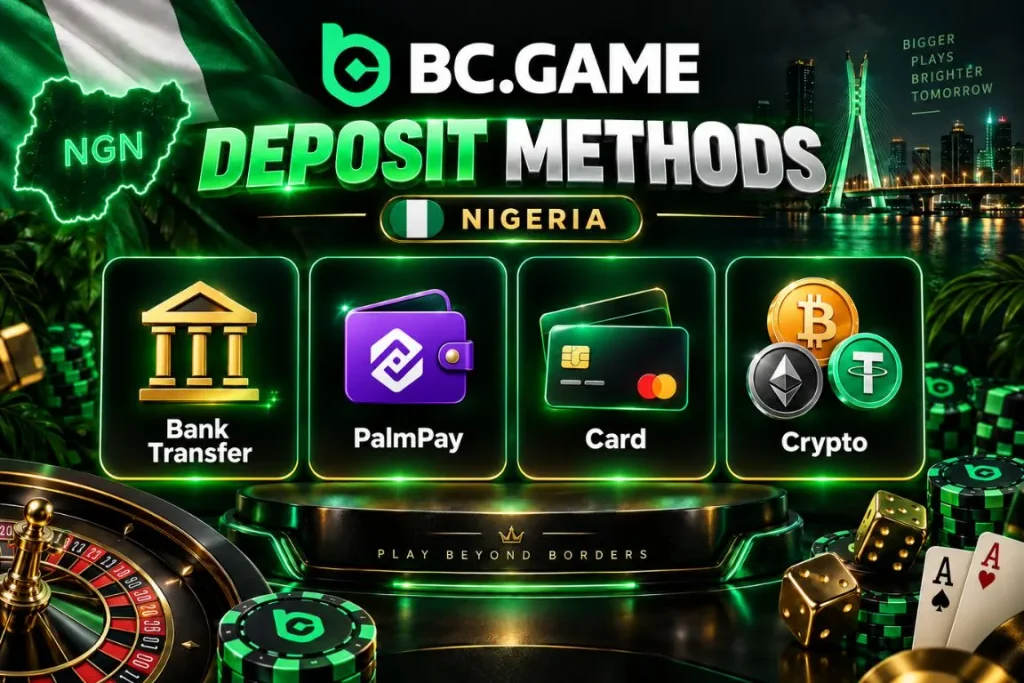
Nigerian users can fund their account directly in NGN through several local payment routes. Bank Transfer and PalmPay are practical choices for users who want to deposit from a bank or local wallet. Credit Card is also available as a fiat funding option.
Cryptocurrency remains a separate deposit route for users who prefer digital assets. Supported coins can have their own deposit thresholds and blockchain networks.
The payment method determines the transaction range, confirmation process, and possible external charges. A local payment and a crypto transfer should therefore not be treated as interchangeable.
The BC Game deposit bonus may also appear beside qualifying deposit amounts, but eligibility for a promotion should be checked separately from the ordinary funding limit.
Bank and Local Payment Methods
Bank Transfer supports NGN deposits and allows users to enter an amount before completing the bank payment flow. The ordinary deposit range starts from NGN 1,000 and can extend up to NGN 5,000,000 per transaction.
PalmPay also accepts NGN deposits. Its current deposit range starts at NGN 1,000 and can reach NGN 1,000,000.
Other fiat routes include:
- Credit Card supports card-based NGN payments.
- Bank Transfer is suitable for direct bank-funded transactions.
- PalmPay provides a local wallet-based funding route.
- Minimum values should be checked before every payment.
- Maximum values differ between payment methods.
The selected payment route should be completed using the instructions generated for that specific transaction.
Cryptocurrency Deposits
Crypto deposits start from the Crypto tab rather than the Fiat section. Users first choose a supported digital asset, then select an available network.
USDT, for example, can be deposited using a compatible network such as Tron when that option is selected for the account. The platform then generates a deposit address that must be used for that exact currency and network.
The process is:
- Select the required cryptocurrency.
- Choose a network supported by the sending wallet.
- Copy the generated deposit address.
- Paste it into the sending wallet.
- Enter an amount above the minimum.
- Confirm the transfer after checking all details.
A deposit sent below the stated minimum may not be credited. For USDT, the minimum can start from 1 USDT depending on the selected route.
Other Available Payment Options
Credit Card expands the range of fiat deposit choices for Nigerian users who do not want to use a direct bank transfer or PalmPay. Credit Card payments use card details and can support a higher maximum deposit than some local wallet routes.
Paga may appear among payment options, but it should only be used when it is actively selectable and operational for the account. A listed payment icon does not guarantee that the method is available at every moment. Users should always rely on the methods that can actually be selected and completed at the time of funding.
BC Game Deposit Methods
| Deposit Method | Currency | Minimum Deposit | Processing Time |
| Bank Transfer | NGN | NGN 1,000 | Depends on bank processing |
| PalmPay | NGN | NGN 1,000 | Depends on payment processing |
| Credit Card | NGN | NGN 1,000 | Depends on card authorization |
| Cryptocurrency | Selected digital asset | Depends on coin and network | Depends on blockchain confirmation |
Fiat processing can be fast, but no single completion time should be applied to every transaction. Crypto deposits remain dependent on blockchain activity.
BC Game Minimum Deposit
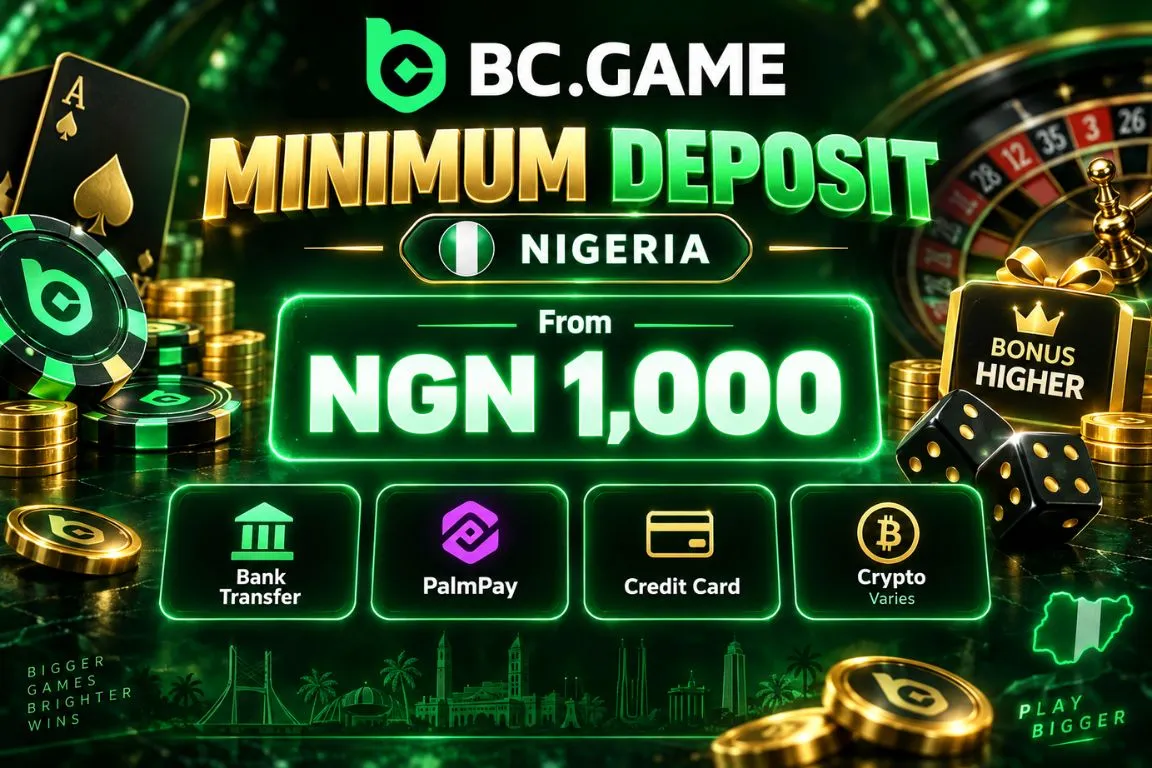
The minimum deposit depends on the selected currency and payment route. For NGN, the main fiat methods start from NGN 1,000. This is the ordinary funding threshold rather than necessarily the minimum required for a promotional reward.
That distinction matters because a BC Game deposit bonus can require a higher qualifying amount than a standard wallet deposit. Cryptocurrencies use asset-specific limits instead of one naira-based minimum. A user depositing Bitcoin should therefore follow the Bitcoin threshold rather than converting the NGN minimum manually. The amount displayed in the Deposit form is the most relevant figure because limits can be adjusted over time.
Minimum Deposit in Naira
The normal NGN minimum starts at NGN 1,000 for Bank Transfer, PalmPay, and Credit Card.
Current method ranges include:
- Bank Transfer starts from NGN 1,000.
- PalmPay starts from NGN 1,000.
- Credit Card starts from NGN 1,000.
- Bonus-qualified deposits may require a higher amount.
- Payment limits should be checked before confirmation.
For example, a promotional deposit can begin at NGN 2,000 even though an ordinary account top-up is available from NGN 1,000. The user should therefore decide first whether the goal is simply to add funds or to qualify for a promotion.
Cryptocurrency Deposit Limits
Crypto deposit limits vary by asset. The minimum is defined in the cryptocurrency itself rather than by converting a fixed NGN amount.
Examples of deposit minimums include:
| Cryptocurrency | Minimum Deposit |
| Bitcoin | 0.0001 BTC |
| Ethereum | 0.0003 ETH |
| Tether | 1 USDT |
| Solana | 0.005 SOL |
| USD Coin | 1 USDC |
| Tron | 5 TRX |
Other supported assets can use different thresholds.
A crypto transfer below the minimum can fail to credit normally. This is especially important when network fees reduce the amount that actually reaches the deposit address.

Deposit Limits and Processing Time
| Method | Minimum Deposit | Maximum Deposit | Processing Time | Fee |
| Bank Transfer | NGN 1,000 | NGN 5,000,000 | Depends on bank processing | Check before confirmation |
| PalmPay | NGN 1,000 | NGN 1,000,000 | Depends on payment processing | Check before confirmation |
| Credit Card | NGN 1,000 | NGN 5,000,000 | Depends on card authorization | Check before confirmation |
| Cryptocurrency | Asset-specific | Not one universal limit | Depends on network confirmations | Network fee may apply |
The difference between NGN maximums is significant. A payment suitable for NGN 20,000 may not be appropriate for someone funding a much larger balance.
How Long Does a BC Game Deposit Take?
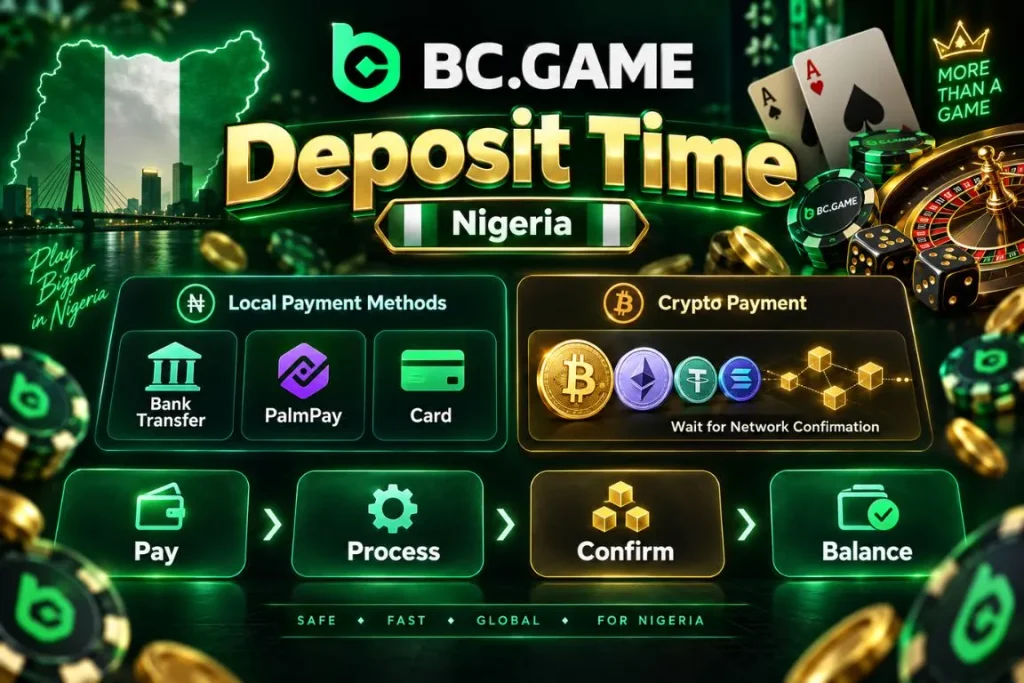
Deposit speed depends on how the payment reaches the account. A bank, PalmPay, or card payment first has to be authorized by the relevant payment channel. After that, the successful transaction needs to be reflected in the casino balance.
There is no reliable reason to promise an identical completion time for every fiat deposit. Network conditions, bank processing, payment authorization, or a temporary technical check can change the final duration.
Crypto follows a different process. The transaction is broadcast to a blockchain, then waits for sufficient network confirmation before the deposit can be credited. For this reason, a completed wallet transfer does not necessarily mean the balance will appear at the same second.
Fiat Deposit Processing Time
Local NGN deposits can normally begin processing as soon as the payment has been authorized.
The actual crediting time can depend on:
- Bank processing can affect Bank Transfer.
- PalmPay confirmation can depend on the payment session.
- Card authorization can be delayed or declined.
- Incorrect amount can prevent automatic matching.
- Temporary payment maintenance can slow processing.
- Account review can occasionally delay crediting.
Users should avoid immediately repeating a payment if the first deposit does not appear. Check Transaction history and the sending account first.
A duplicate deposit can create two valid payments rather than fix the original one.
Crypto Deposit Confirmations
Crypto deposits depend on blockchain confirmation rather than a traditional banking settlement.
After the transfer is sent, the blockchain records the transaction. BC Game can credit the funds after the required network processing has been completed.
The number of confirmations should not be assumed to be identical for Bitcoin, Ethereum, USDT, Solana, or other assets.
Transaction speed can depend on:
- Selected blockchain network.
- Current network congestion.
- Transaction fee used by the sending wallet.
- Asset being deposited.
- Accuracy of the destination address.
- Amount meeting the required minimum.
If a transaction is still unconfirmed on the blockchain, additional waiting time may be necessary before the casino balance changes.
BC Game Deposit Fees
BC Game does not use one universal deposit fee for every currency and payment route. The final cost can depend on how the transaction is sent.
For fiat deposits, a bank, card issuer, or payment service may apply its own charges. Any such cost should be checked before approving the transaction.
Crypto transactions can involve network fees charged by the blockchain mechanism or sending wallet. These costs are separate from the amount intended for the casino account.
Before completing a deposit, review:
- Payment amount.
- Selected currency.
- Payment route.
- External processing charge if displayed.
- Crypto network fee where applicable.
- Final amount expected to arrive.
A fee from one method should never be assumed to apply to another. Bank Transfer and USDT, for example, operate under completely different payment structures.
Depositing with Cryptocurrency

Cryptocurrency deposits require more manual checking than a local NGN payment because blockchain transfers are based on exact technical details.
The user selects an asset and network, obtains the deposit address, and sends funds from a compatible external wallet. For anyone learning how to deposit money in BC Game with crypto, the most important rule is that the selected currency and network must match on both sides of the transaction.
Sending USDT to a USDT address is not enough by itself. The sending wallet must also use a blockchain network supported by the selected deposit route. After the transfer, keep the transaction hash until the deposit is credited. It can be useful if the transaction requires investigation.
Choosing the Correct Network
Many cryptocurrencies can exist on more than one blockchain. USDT is a common example.
If Tron is selected for a USDT deposit, the sending wallet must also use the compatible Tron route. Choosing another network can prevent normal crediting and may place the funds at risk.
Before sending:
- Check the selected cryptocurrency.
- Read the displayed network name.
- Open the same asset in the sending wallet.
- Select the matching blockchain.
- Confirm that both network names agree.
- Send funds only after the match is clear.
Do not choose a network merely because its fee is lower. Compatibility matters more than the transaction cost.
Checking the Deposit Address
A blockchain address is another detail that should never be entered from memory.
Copy the complete address from the Deposit section and paste it into the sending wallet. Then compare the beginning and ending characters with the original before approving the transfer.
Useful precautions include:
- Copy the address directly instead of typing it manually.
- Compare the first and last address characters.
- Confirm that the displayed asset is correct.
- Confirm the blockchain network separately.
- Avoid using an old address without rechecking it.
- Keep the transaction hash after sending.
A QR code can reduce manual entry, but the address shown after scanning should still be reviewed. Crypto transfers cannot be treated like reversible card payments.
BC Game Deposit Bonuses
A qualifying deposit can participate in a promotional offer when the relevant campaign is active for the account.
A typical BC Game deposit bonus can require a higher minimum than the ordinary NGN 1,000 funding threshold. For example, a qualifying deposit promotion may start from NGN 2,000 and provide an additional promotional reward according to its current rules.
The normal deposit amount and bonus-eligible amount should therefore be checked separately.
Users should also distinguish deposit promotions from BC Game bonus code no deposit offers. A regular Deposit Bonus does not necessarily require a promotional code, and a no-deposit code should not be assumed to exist unless the account specifically provides one.
Before funding for a bonus, check the qualifying amount, activation requirement, wagering conditions, eligible activity, and reward status.
Common BC Game Deposit Problems
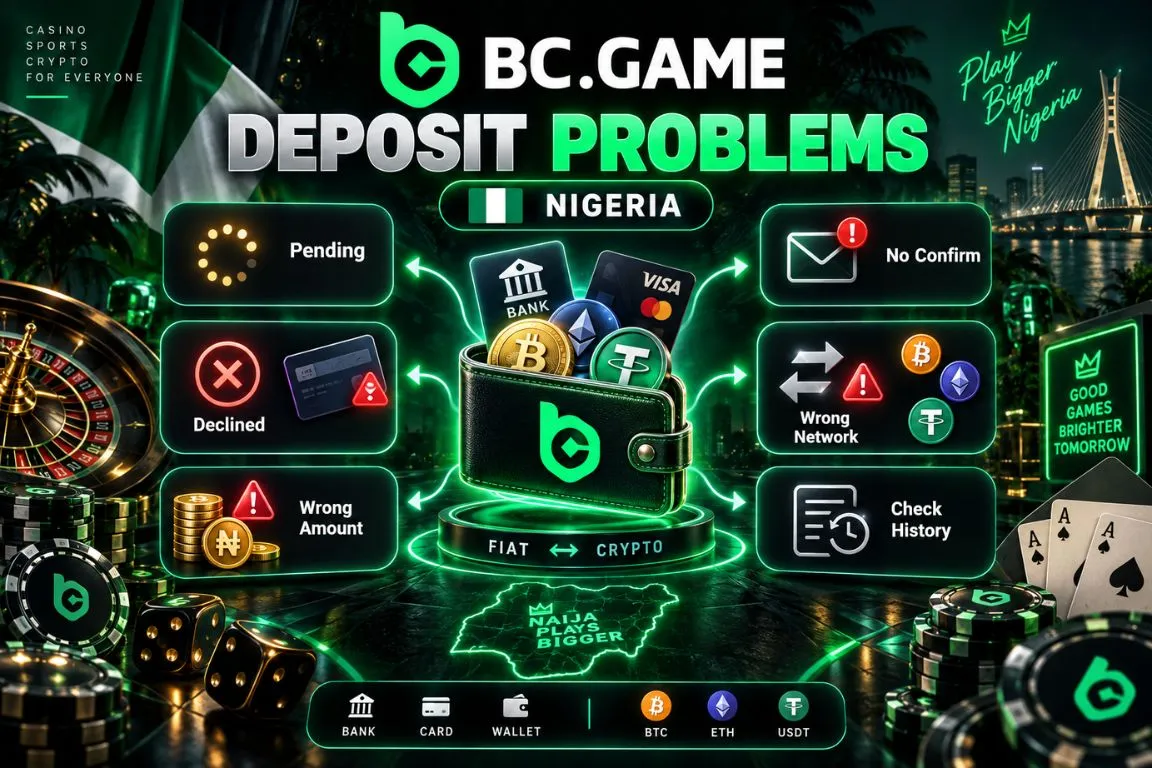
Most deposit issues fall into three groups: payment authorization, transaction matching, or blockchain processing.
Fiat payments can fail because of incorrect details, insufficient balance, bank restrictions, or a temporary payment error. Crypto transfers can be delayed by an incorrect network, insufficient deposit amount, or pending blockchain confirmation.
Typical problems include:
- Deposit remains pending after payment.
- Bank or card transaction is declined.
- Wrong deposit amount was submitted.
- Crypto transfer has not received confirmations.
- Deposit was sent through the wrong network.
- Balance has not refreshed after payment.
The first response should be investigation, not another deposit. Check the sending account, transaction status, and Wallet history before repeating the payment.
Deposit Not Showing
If a fiat payment has been completed but the casino balance has not changed, start by confirming that the money actually left the sending account.
Then compare the payment amount with the amount entered in the Deposit form. Some payment routes rely on matching the submitted amount to the received transaction.
Check Transaction history and refresh the balance after a short wait.
For how to deposit in BC Game without creating duplicate transactions, the key is to keep the original payment information until the first request reaches a final status.
If the payment was successful but no matching transaction appears after a reasonable period, collect the date, amount, method, and payment reference before contacting support.
Deposit Declined
A declined fiat deposit means the payment did not complete successfully.
Possible causes include:
- Available bank balance is insufficient.
- Card issuer has rejected the transaction.
- Payment details are incorrect.
- Transaction exceeds the method limit.
- Payment service is temporarily unavailable.
- Security authorization was not completed.
For Bank Transfer, check the generated payment instructions before creating a replacement request. For PalmPay, verify that the correct account and amount were used.
For Credit Card, make sure the card supports the transaction and any required authorization was completed.
A declined payment should not normally reduce the casino balance because the funding request was never successfully credited.
Crypto Deposit Not Credited
A cryptocurrency transfer can be visible in the sending wallet while still not being ready for account credit.
Check the blockchain transaction status first. If it remains unconfirmed, the deposit may simply need more time.
Then verify:
- Asset matches the selected deposit currency.
- Network matches the deposit network.
- Address matches the generated destination.
- Amount is above the minimum deposit.
- Transaction has progressed on the blockchain.
- Hash corresponds to the intended transfer.
A wrong network is more serious than a normal delay. Do not send another transaction until the first transfer has been checked carefully.
Deposit Problems and Solutions
| Problem | Possible Cause | What to Do |
| NGN deposit is missing | Payment still processing | Check Transaction history and sending account |
| Bank payment is declined | Bank authorization failed | Verify balance and payment instructions |
| PalmPay payment fails | Account or session issue | Recheck account details and restart the payment if necessary |
| Card deposit is rejected | Card authorization failed | Confirm card availability and required verification |
| Crypto deposit is pending | Blockchain confirmations incomplete | Wait for network processing |
| Crypto is not credited | Wrong asset, network, address, or amount | Verify transaction details and keep the transaction hash |
| Deposit amount does not match | Different amount was sent | Review payment instructions before contacting support |
| Payment exceeds method limit | Amount is above the allowed range | Use an amount within the selected method’s limits |
Changing payment methods is useful only after confirming that the original transaction has failed rather than remained pending.
How to Deposit Safely
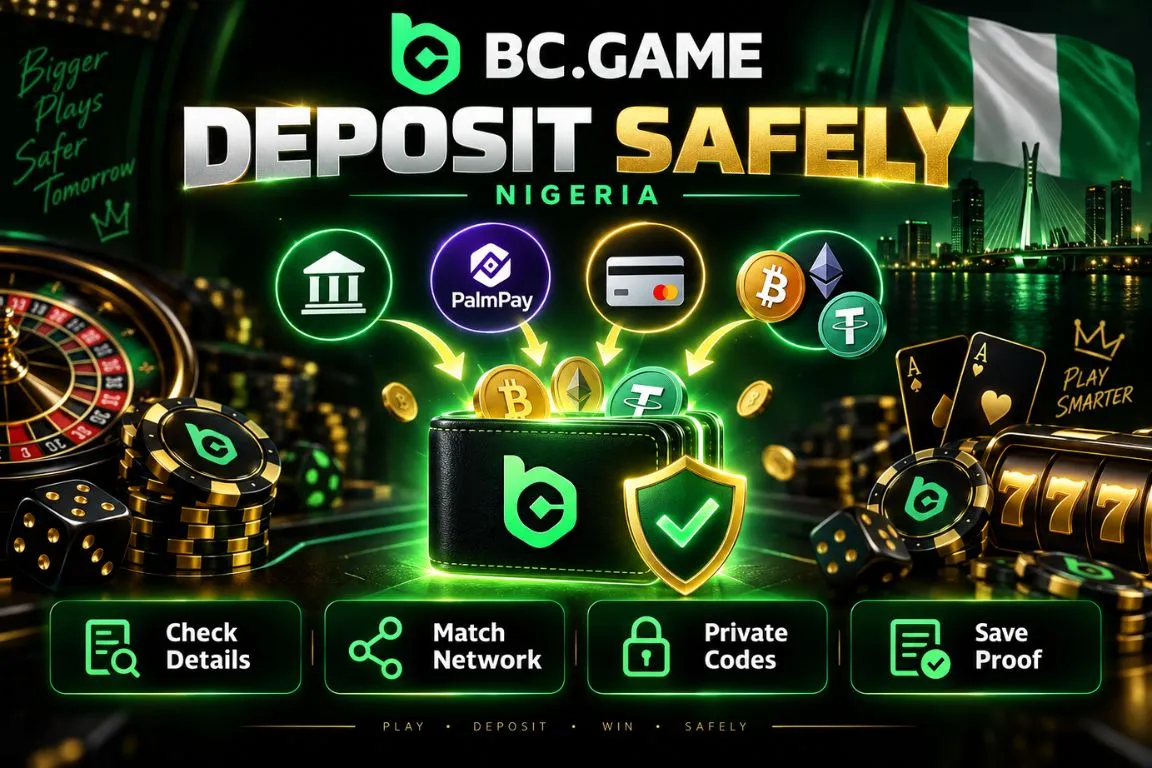
A deposit involves either payment credentials or a blockchain transfer, so accuracy matters at every stage.
- Open BC Game through the usual account access route.
- Check payment details before sending NGN.
- Match the crypto asset and blockchain network.
- Verify the wallet address before a crypto transfer.
- Keep passwords and authentication codes private.
- Save transaction information until funds are credited.
Users should not hand account access to another person to complete a deposit on their behalf. For crypto, retain the transaction hash. For local payments, keep the bank, PalmPay, or card transaction reference until the account balance updates.
BC Game Deposit Support
Support becomes useful when a completed payment has not been credited, a transaction remains unresolved for an unusually long period, or the payment history does not explain what happened.
Before requesting assistance, prepare enough information to identify the transaction without exposing private credentials.
For a fiat deposit, useful details include:
- Deposit date and approximate time.
- Amount and currency.
- Selected payment method.
- Payment reference or transaction identifier.
- Current account transaction status.
- Payment confirmation screenshot where appropriate.
For crypto, provide the asset, network, amount, deposit address, and transaction hash.
Never send a password, 2FA code, card PIN, private key, or wallet seed phrase. These details are not required to identify an ordinary deposit.