


How to Withdraw Money from BC Game in Nigeria
Withdrawals are handled through the Wallet section. Users choose Withdraw, select the required currency and payout option, enter the destination details, specify the amount, and confirm the request.
For NGN transactions, Bank Transfer and PalmPay are the available local methods in Nigeria. Cryptocurrency withdrawals follow a separate process because the user must select an asset and compatible blockchain network.
Before submitting a request, check the recipient details and available balance. A wrong bank account number can prevent a local payout, while an incorrect wallet address or blockchain network can create serious problems with a crypto transfer.
Step-by-Step Withdrawal Process
The basic withdrawal procedure takes only a few steps:
- Sign in to the account and open Wallet.
- Select Withdraw from the account menu.
- Choose NGN or the cryptocurrency you want to receive.
- Select Bank Transfer, PalmPay, or an available crypto network.
- Enter the requested account or wallet information.
- Specify the amount, review all details, and confirm the request.
For Bank Transfer, users need to provide the account holder name, bank account number, and bank name. PalmPay requires the relevant account holder and account number details.
For cryptocurrency, verify both the wallet address and blockchain network before confirmation.
How to Check Your Withdrawal Status
Transaction progress can be reviewed from the Transaction section inside Wallet. This area keeps a record of financial activity and allows users to check whether a withdrawal is pending, completed, rejected, or still processing.
Do not immediately create another request if the first transaction remains active. Duplicate payouts can complicate the process and make it harder to identify the status of the original transfer.
For cryptocurrency, a completed status can still be followed by blockchain confirmation time. Local payments may also require a short settlement period after the request has been processed.
BC Game Withdrawal Methods in Nigeria
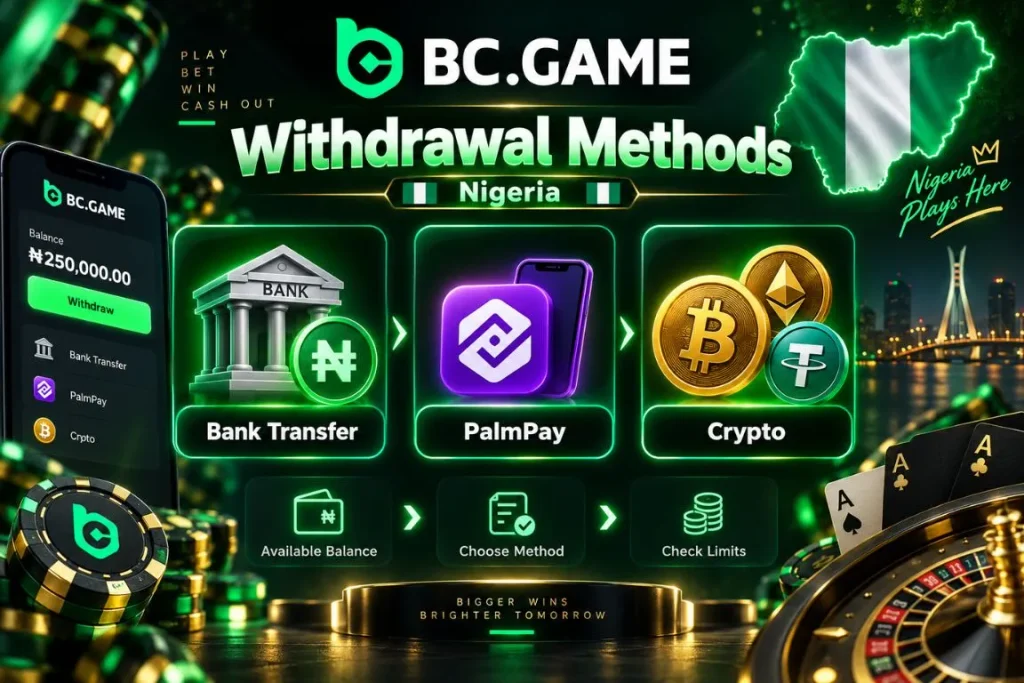
Nigerian users currently have two local NGN withdrawal methods: Bank Transfer and PalmPay. Cryptocurrency withdrawals are also available for users who prefer to receive funds in digital assets.
The BC Game withdrawal limit depends on the selected currency and payout route. NGN methods use naira-denominated limits, while cryptocurrency thresholds are calculated separately for individual assets and networks.
Users should choose the withdrawal method first and then review the minimum amount, available balance, and other transaction conditions shown for that route.
Bank Transfer is suitable for users who want funds sent directly to a Nigerian bank account. PalmPay provides an alternative local payment route for eligible accounts.
Bank and Local Payment Methods
Bank Transfer requires the account holder name, bank account number, bank selection, and withdrawal amount. The entered information should match the intended receiving bank account.
PalmPay follows a similar process and requires the correct account holder details and account number.
Before confirming a local withdrawal:
- Name should match the receiving account.
- Account number should be checked carefully.
- Bank should be selected correctly for Bank Transfer.
- Currency should remain set to NGN.
- Amount should meet the displayed minimum.
- Final information should be reviewed before confirmation.
Bank Transfer and PalmPay can show an indicative processing ETA of about 1 minute. Additional account or transaction checks can extend the actual processing time.

Cryptocurrency Withdrawals
Cryptocurrency withdrawals require the user to select the digital asset and blockchain network before entering the destination wallet address.
Network compatibility is critical. A receiving wallet must support the same blockchain selected in the withdrawal form. Sending an asset through the wrong network can cause the transfer to fail or make recovery difficult.
A careful crypto withdrawal follows these steps:
- Select the cryptocurrency.
- Choose the supported blockchain network.
- Copy the receiving wallet address.
- Compare the pasted address with the destination.
- Enter an amount above the current minimum.
- Review the transaction before confirmation.
Crypto limits and fees can vary depending on the selected coin and network. The values shown during the transaction should be treated as the current reference.
BC Game Withdrawal Methods
| Withdrawal Method | Currency | Minimum Withdrawal | Processing Time |
| Bank Transfer | NGN | NGN 2,022 | Indicative ETA around 1 minute |
| PalmPay | NGN | NGN 2,022 | Indicative ETA around 1 minute |
| Cryptocurrency | Selected digital asset | Depends on asset and network | Depends on processing and blockchain confirmation |
Only Bank Transfer and PalmPay should be treated as available local NGN withdrawal methods for Nigerian users. Cryptocurrency transfers are handled separately according to the selected asset and network.
BC Game Withdrawal Limits
Withdrawal limits vary according to the currency, selected payment route, available account balance, and applicable account conditions.
For the two local NGN methods, the minimum amount is displayed directly in the withdrawal form. Cryptocurrency limits are calculated separately and can differ considerably between assets.
A single BC Game minimum withdrawal does not apply to every transaction. The threshold for Bank Transfer or PalmPay is different from the amount required for a digital asset withdrawal.
The Wallet also shows the balance available for withdrawal. Even when a requested amount exceeds the minimum, it cannot exceed the funds currently available in the account.
Minimum Withdrawal
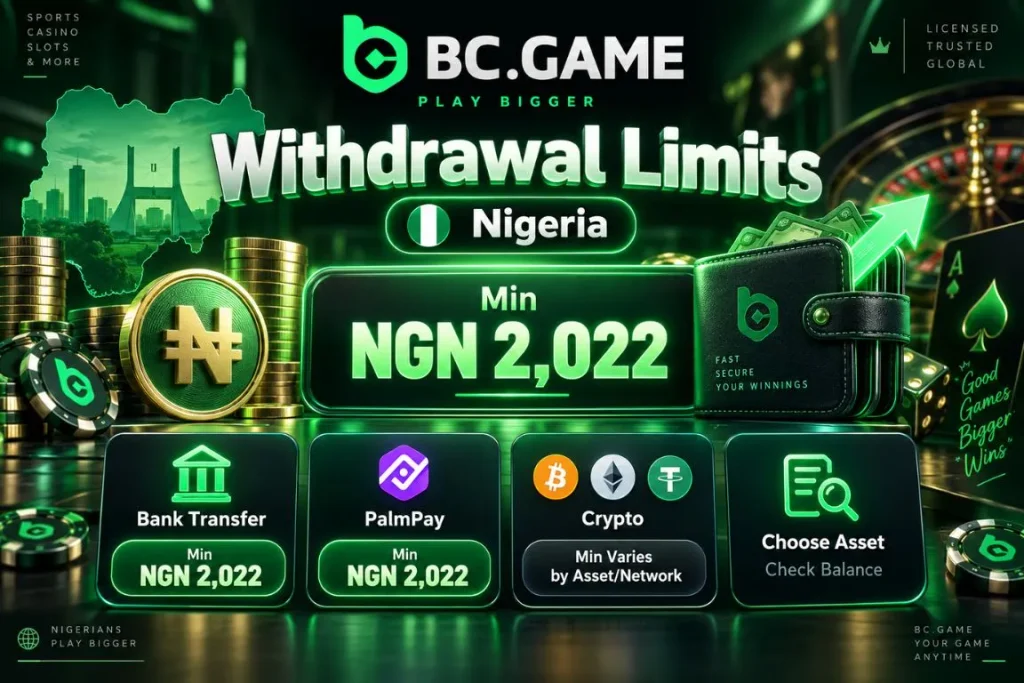
The current minimum for the main local payout methods is NGN 2,022.
Key points include:
- Bank Transfer starts from NGN 2,022.
- PalmPay starts from NGN 2,022.
- Cryptocurrency minimums depend on the selected asset.
- Network choice can affect crypto withdrawal requirements.
- Available balance must cover the requested amount.
- Current Wallet values should be checked before confirmation.
Cryptocurrency limits can change independently of NGN limits, so they should not be converted into one fixed naira equivalent.
Maximum Withdrawal
There is no single maximum amount that should be applied to every withdrawal method.
For local payouts, the effective maximum depends on the funds available for withdrawal and any limits applied to the account or payment route.
Cryptocurrency transactions can use different restrictions depending on the asset and network. A method that does not display a fixed maximum should not automatically be treated as completely unlimited.
The maximum can depend on:
- Available account balance.
- Selected withdrawal currency.
- Selected payout route.
- Account security status.
- Transaction review.
- Blockchain or payment conditions.
The Max control in Wallet can be used to select the available withdrawable balance when the account permits it.
How Long Does BC Game Withdrawal Take?
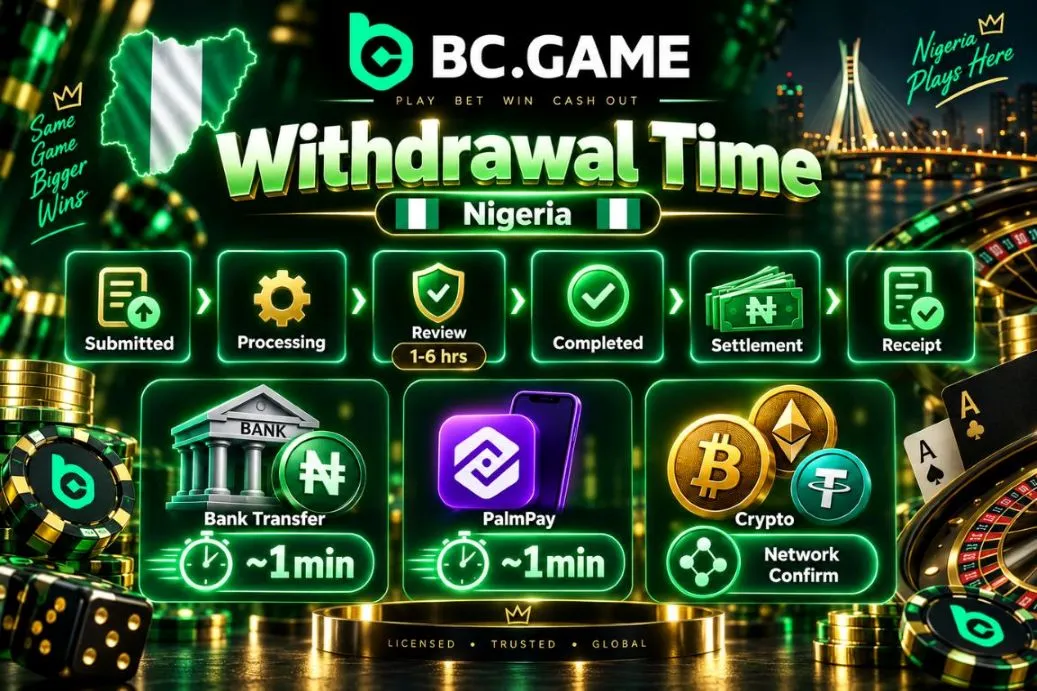
The exact BC Game withdrawal time varies by payout route and transaction status. Bank Transfer and PalmPay can display an indicative ETA of about 1 minute. This figure represents the normal expected processing range for the payment route and should not be treated as a guaranteed arrival time.
Additional checks can extend the process. Large or unusual withdrawals may undergo a security audit that can take between 1 and 6 hours. Cryptocurrency transactions can require additional time after platform processing because the selected blockchain must confirm the transfer.
Withdrawal Processing Time
A withdrawal normally passes through two stages. First, the request is processed by the account system. Second, the bank, local payment route, or blockchain completes settlement.
For Bank Transfer and PalmPay, final receipt may take slightly longer than the initial processing estimate if the receiving side needs additional time.
For crypto, blockchain confirmation begins after the transaction is submitted to the selected network.
A typical sequence can include:
- Submitted means the request has been created.
- Processing means the transaction is being handled.
- Review means additional checking may be required.
- Completed means the payout has been processed.
- Settlement covers the receiving bank or blockchain stage.
- Receipt means the funds appear at the destination.
The total waiting period can therefore be longer than the initial ETA.
Why a Withdrawal May Be Delayed
A delayed transaction does not necessarily mean the payout has failed.
Typical reasons include:
- Additional security review is required.
- Account information needs verification.
- Bank processing is slower than usual.
- PalmPay settlement requires additional time.
- Blockchain confirmations are delayed.
- Account conditions remain incomplete.
Large or unusual requests can require a longer internal review before release.
If the status does not change for an extended period, check Transaction history first. This helps determine whether the payout is still processing or requires action from the account holder.
Withdrawal Limits and Processing Times
| Method | Minimum | Maximum | Estimated Processing Time | Possible Fee |
| Bank Transfer | NGN 2,022 | Depends on available balance and account limits | Around 1 minute before additional checks | Check transaction summary |
| PalmPay | NGN 2,022 | Depends on available balance and account limits | Around 1 minute before additional checks | Check transaction summary |
| Cryptocurrency | Depends on asset and network | Depends on asset and account conditions | Platform processing plus blockchain confirmation | Network fee may apply |
Processing estimates can be extended by additional account or transaction review.
Verification Before Withdrawal
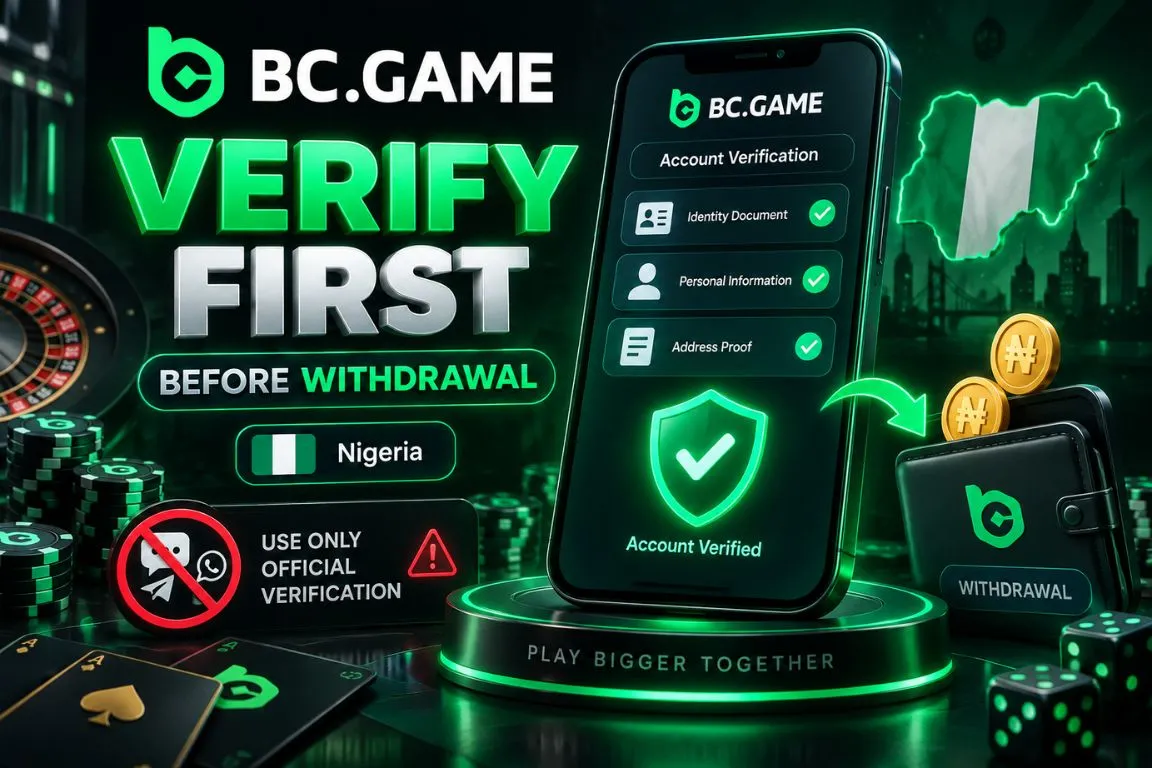
Account verification can affect financial operations and may be required as part of account security procedures. A BC Game withdrawal problem can occur when a user still needs to complete an identity or security check. In this case, the issue is not necessarily connected to Bank Transfer, PalmPay, or the cryptocurrency network itself.
Users should complete any verification request shown in the account before repeatedly submitting another withdrawal. Documents and personal information should only be provided through the normal verification interface. Never send sensitive files to unknown contacts claiming that they can accelerate a payout.
What Documents May Be Required
Verification requirements can differ according to the account and type of security check.
Users should follow the instructions provided during the verification process and submit only the requested information.
Before uploading documents:
- Read the verification instructions carefully.
- Provide only the requested document category.
- Make sure all details are clear and readable.
- Avoid altered or edited documents.
- Keep account and payment details consistent.
- Use the designated verification section.
A document that is not requested should not be uploaded simply because another player was asked for it.
Why Verification May Be Requested
Verification is used to protect the account and its financial activity.
Its main purposes include:
- Confirming account ownership.
- Preventing unauthorized withdrawals.
- Reviewing unusual financial activity.
- Checking payment details for consistency.
- Reducing fraud risk.
- Supporting platform security requirements.
An unusually large payment or transaction pattern can trigger additional checks. Completing the requested verification normally provides a clearer path forward than repeatedly cancelling and resubmitting the withdrawal.
BC Game Withdrawal Fees
Withdrawal charges can vary according to the selected currency and transaction route. There is no single fixed fee that should be applied to every payout.
For Bank Transfer and PalmPay, review the transaction information before confirmation. Any charge connected to the payment should be visible as part of the transaction details when applicable.
Cryptocurrency transfers can involve blockchain network fees. These costs depend on the selected asset and network and can change according to network conditions.
Before confirming a withdrawal, check:
- Selected currency.
- Withdrawal route.
- Requested amount.
- Any displayed charge.
- Final amount to be received.
- Blockchain network for crypto.
A fee applied to one crypto network should not be assumed to apply to another.
Withdrawing Bonus Winnings

Promotional funds can be subject to separate withdrawal conditions. Some rewards must be unlocked through wagering or another qualifying action before they become available as withdrawable balance.
A deposit reward, Free Spins promotion, reload bonus, or another incentive can use its own rules.
Before requesting a withdrawal:
- Open the Bonus section.
- Check whether any reward is still locked.
- Review active wagering conditions.
- Confirm the amount available for withdrawal.
- Complete any remaining requirements.
- Return to Wallet after the funds become eligible.
Do not assume that all bonus balances can be withdrawn immediately. The rules of the specific promotion determine when associated winnings become available.
Common BC Game Withdrawal Problems
Most payout issues are connected to entered details, minimum amounts, account conditions, or transaction processing.
For Nigerian local withdrawals, users should focus specifically on Bank Transfer and PalmPay.
Common causes include:
- Withdrawal amount is below the required minimum.
- Bank or PalmPay details contain an error.
- Bonus requirements remain incomplete.
- Verification is still required.
- Transaction is under additional review.
- External settlement is delayed.
The current status should be checked before another withdrawal is created. A pending transaction requires a different response from one that has been rejected.
Withdrawal Rejected
A rejected payout should be reviewed before submitting another request.
First check whether the amount satisfies the applicable minimum. For Bank Transfer, verify the account holder name, bank account number, and selected bank. For PalmPay, check the holder information and account number.
For cryptocurrency, confirm that the wallet address and blockchain network are compatible.
An active promotional requirement can also prevent part of the balance from being withdrawn. Check the Bonus and Rollover sections where applicable.
If no clear reason is displayed, contact support and provide the transaction information rather than repeatedly creating the same request.
Withdrawal Pending
Pending means that the payout has not completed yet. The transaction may still be undergoing normal processing, security checks, or external settlement.
Bank Transfer and PalmPay can process quickly under normal conditions, but additional review may increase the waiting time.
While the transaction is pending:
- Check Transaction history for status changes.
- Do not create a duplicate request.
- Review any verification notice.
- Make sure the receiving account remains active.
- Allow extra time for an indicated security review.
- Contact support if the delay becomes excessive.
Cancelling and immediately resubmitting the same transaction can restart processing instead of making the withdrawal faster.
Money Has Not Arrived
A completed transaction can still require settlement before the money appears at the destination.
For Bank Transfer, confirm that the account number and bank were entered correctly. For PalmPay, check the receiving account and transaction activity.
With cryptocurrency, confirm that the selected blockchain matches the receiving wallet and allow time for network confirmations.
If support assistance becomes necessary, prepare:
- Withdrawal amount.
- Currency or digital asset.
- Selected payment method.
- Current transaction status.
- Submission time.
- Transaction reference.
Passwords, one-time security codes, private keys, and seed phrases should never be shared.
Withdrawal Problems and Solutions
| Problem | Possible Cause | What to Do |
| Request cannot be submitted | Amount below minimum | Increase the amount to the minimum displayed |
| Bank Transfer rejected | Incorrect bank details | Recheck holder name, account number, and bank |
| PalmPay withdrawal rejected | Incorrect account information | Verify the account holder and account number |
| Crypto transaction fails | Address or network mismatch | Confirm both the receiving address and blockchain |
| Withdrawal remains pending | Processing or security review | Check Transaction history and allow additional time |
| Balance cannot be withdrawn | Active bonus requirements | Review Bonus and Rollover conditions |
| Verification is requested | Security check required | Complete the requested verification |
| Completed transaction is missing | External settlement delay | Check the receiving account or blockchain status |
The correct solution depends on the reason for the transaction issue. Changing payout methods without checking the original request can create unnecessary complications.
How to Withdraw Safely
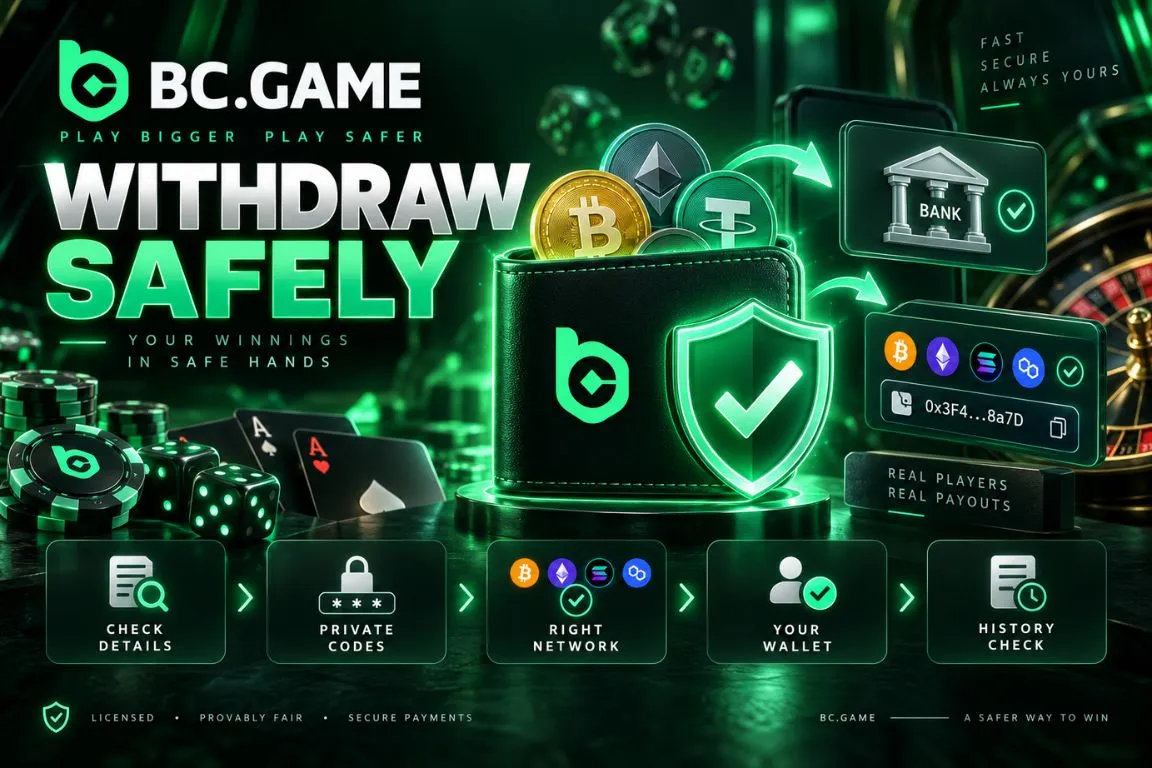
Withdrawal security starts with accurate payment information.
- Verify the bank account or wallet address before confirmation.
- Match the crypto network with the receiving wallet.
- Use a bank, PalmPay account, or wallet you control.
- Enable available account security features.
- Keep passwords and authentication codes private.
- Review Transaction history after every request.
For Bank Transfer, verify the selected bank as carefully as the account number. For cryptocurrency, compare the first and last characters of the wallet address after pasting it into the withdrawal form.
BC Game Withdrawal Support
Support should be used when a withdrawal is rejected without a clear explanation, remains pending beyond the expected processing period, or appears completed without reaching the destination.
Before contacting support, check Transaction history and prepare the basic payment information.
Useful details include the withdrawal amount, currency, selected method, submission time, current status, and any error message displayed during the transaction.
For a local transaction, specify whether Bank Transfer or PalmPay was used. For crypto, include the asset and selected network where relevant.
Never provide the account password, one-time authentication code, private key, or wallet seed phrase. These details are not required for a normal transaction investigation.